

How to Add a Playlist to Sparkle TV — M3U URL & Xtream Codes Setup
Add our premium playlist to the Sparkle TV player in minutes: Xtream Codes login (recommended) or M3U URL, plus EPG setup, refreshing and common error fixes.
The full Chromecast with Google TV setup, in order: Google Play first using the remote, a Downloader backup plan, then your playlist and a quick channel check. This guide is for the model with a remote and an on-screen interface.
Sparkle TV is only a player, we provide a premium playlist that works with the Sparkle TV app.
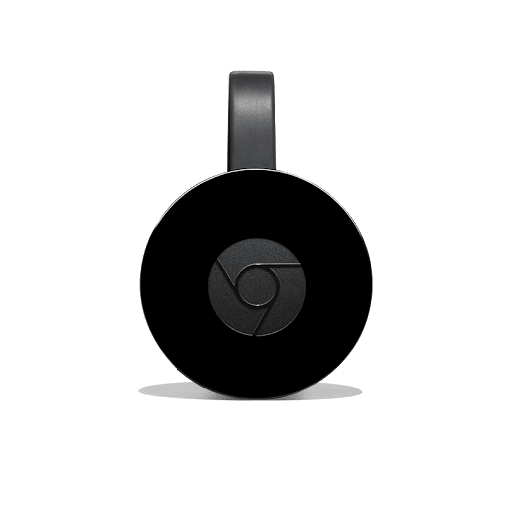
This guide is for the Chromecast with Google TV — the model with a remote and an on-screen interface. A cast-only Chromecast (the older dongle with no remote) cannot install apps on its own, so it cannot run Sparkle TV directly — use one of the other Android devices in this series instead.
Not sure which device to use? Compare all options in our complete Android device guide and the master Sparkle TV installation guide.
Everything happens on the TV screen with the remote — no phone casting is needed. If Play does not list the app, the next section is your backup plan.
If Google Play does not show Sparkle TV, install it with Downloader instead.
One free trial per user, full playlist access, no card required to start. Or see real playlist prices for 1 and 2 devices.
Your email from us includes both login formats — Xtream Codes and an M3U URL — so use whichever you prefer. No email yet? Activation is instant and your details are emailed instantly after payment clears, so order a package or claim your free trial first, then come back to this step.
The full walkthrough is in our How to Add a Playlist to Sparkle TV guide.
Three quick checks confirm the setup worked. The power tip at the end prevents mid-stream reboots.
Almost every setup problem is a mistyped password, a playlist pasted with a missing character, or weak Wi-Fi. Work through these fixes in order — they solve the vast majority of first-time setups.
Every plan includes the full playlist — plans differ only in length and devices. Start with the free trial, then choose a subscription if you love it.
More setups: Google TV setup · Android TV setup · Fire TV Stick setup · Android Phone setup.
Most Chromecast with Google TV problems are a mistyped password, a playlist pasted with a missing character, or weak Wi-Fi. Work through the troubleshooting section above first — it fixes the vast majority of first-time setups.
One free 24-hour trial per user (not on live match days, trials not refundable). Paid playlist packages from $14.98 carry a 7-day money-back guarantee, with instant activation after payment clears.
Add our premium playlist to the Sparkle TV player in minutes: Xtream Codes login (recommended) or M3U URL, plus EPG setup, refreshing and common error fixes.
Easy Android TV setup for Sparkle TV: install via Google Play, Downloader code 2696977 or APK fallback, add your IPTV playlist and fix common playback errors.
Easy Google TV setup for Sparkle TV: install from Google Play, Downloader code 2696977 or APK fallback, add your IPTV playlist and fix common playback errors.